TuneLab
10.26 Inch Portable Wireless Carplay Screen HD Rear Reversing Camera
10.26 Inch Portable Wireless Carplay Screen HD Rear Reversing Camera
Noudon saatavuutta ei voitu ladata
BQCC 10.26 Inch Portable Wireless Carplay Screen HD Rear Reversing Camera Car Radio DVR MP5 Multimedia Video Player Android Auto


 Basic parameters
Model: B5303
Type: Portable car MP5
System: Allwinner melis system
Software solution: F133
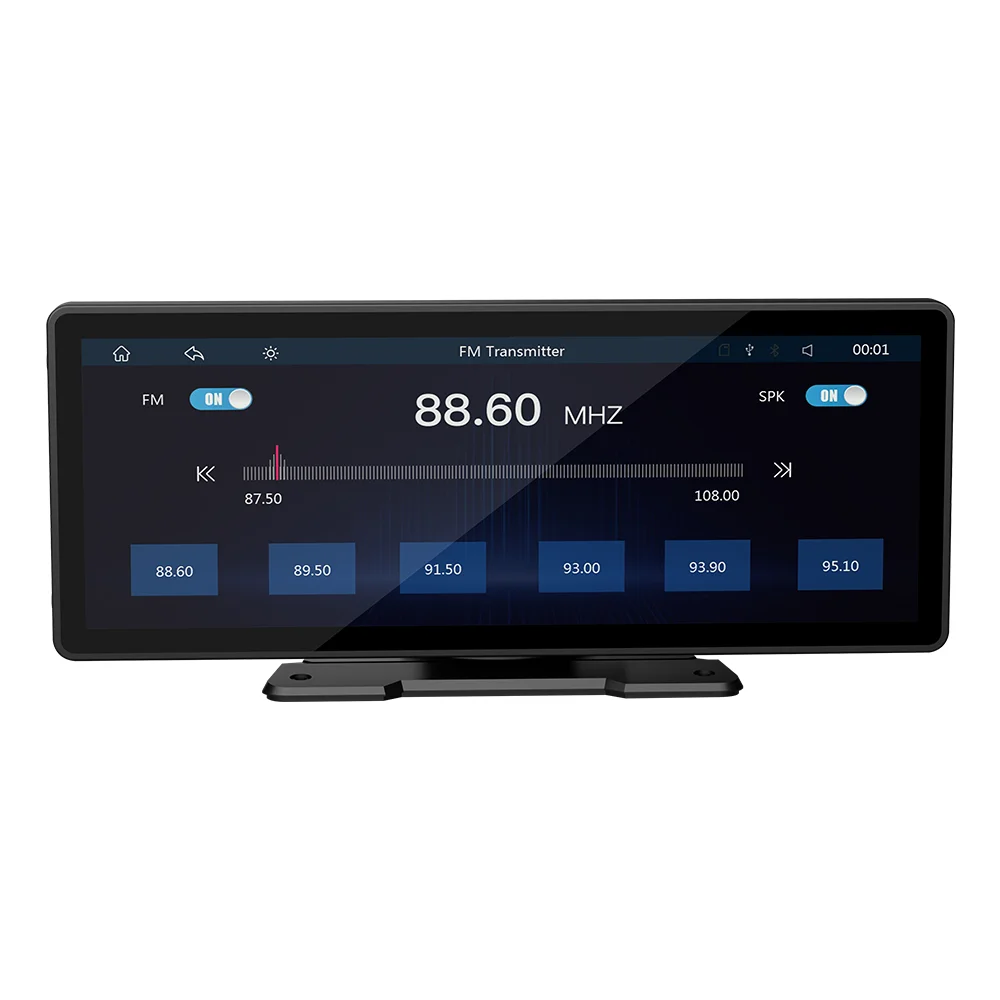
Radio transmission frequency 88.60/89.20/89.50/89.80/91.50/91.80/93/.00/93.60/93.90/94.50/95.10/95.70MHz
Radio transmission IC: AB5301B
Amplifier IC: CS8571E
Output power: Built-in 1W speaker
Working voltage: 12~30V
Working temperature: -10~60℃
Bluetooth version: Version 5.0 (default name: CarPlay)
Wifi frequency: 2.4G/5G dual-band (automatically switches according to the frequency band of the hotspot connected to the mobile phone, used when connecting to Android AUTO and Apple CARPLAY)
Performance parameters
CPU: F133
Running memory: 1Gbit DRAM
Display resolution: 1600x600
Screen size: 10.26 inches HD (IPS)
Dimensions
Installation size: 132x85MM
Case size: 245x97MM
Device depth: 25MM
Color box size: 275x127x97mm (Color box)
Weight parameters
Weight per box: 0.98KG
Function parameters
Mobile phone interconnection: Support
Reversing image: Support
Video playback warning: Support
Driving recorder: Support (optional recorder)
Built-in speaker: Support
USB interface: USB 2.0
TF card: Support
AUX port parameters
Audio output: Support
Reversing video input: Support
Format parameters
Audio format: MP3/AAC/APE/OGG/M4A/RA/WAV
Video format: H263/H264/H265/DIVX HD/AVI/FLV/MKV/MPEG/MP4/WMV9/VC/ASF/TS/QT
Image format: JPEG/PNG/BMP/GIF/TIFF
Language parameters
English, Chinese, Spanish, Portuguese, Russian, German, French, Polish, Turkish, Arabic, Hebrew, Italian, Czech, Japanese, Korean, Thai
Other parameters
Factory setting password: 113266
Basic functions
1. Radio frequency transmission function
2. SD card U disk (audio/video/picture)
3. Bluetooth function
4. Wired mobile phone screen projection, wired and wireless Android AUTO/Apple CarPlay
5. Rear view function (camera optional)
6. Audio output function
7. Driving recorder (recorder optional)



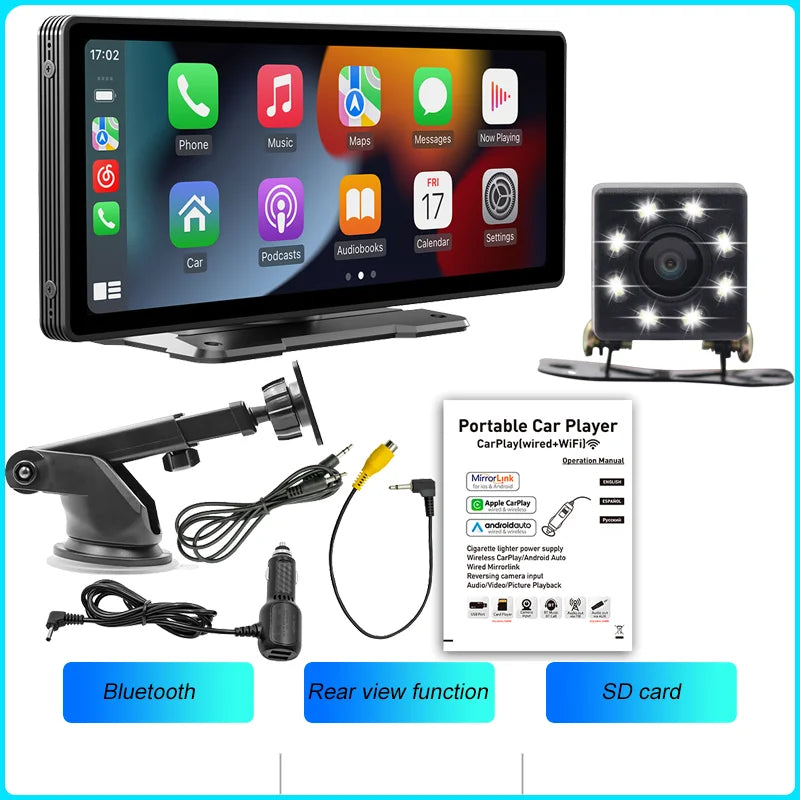
Packing List:
1x1 Head unit
1x1 Manual
1x1 Cigarette lighter power cord (with USB charging port)
2x1 Mounting bracket
1x1 Reversing video cable
1: Does this device fit my car?
This is a 10.26" universal car radio, just attach it to the center console or mount it on the windshield
2. How to install the bracket?
a. Windshield Mount: Attaches the bracket to the windshield with adhesive suction cups. Center console installation: Use adhesive suction cups to attach the brackets on the center console. If the surface of the center console is not smooth enough, the mounting pad can be fixed on the center console with screws, and the stability of the bracket will be improved.
3. How to connect Wireless carplay/android auto?
You need to turn on Bluetooth and WiFi to connect to Carplay/Android Auto, and Carplaywill automatically connect next time. You can use voice control Carplay/Android Auto to play music, navigate, view text messages, etc.
4: How to connect airplay
First, complete the settings: settings - mobile phone link - l0S device (iso mirroring)/ wireless connection (airplay), after the setting is completed, restart the car radio to use the airplay function normally.
5. Why is there no sound from the device?
a. Plug in the AUX cable and turn on the FM transmitter. b. When the FM transmitter is turned on, The built-in speaker needs to be turned off, there is no sound from the speakers
6. is it possible to send audio to car speakers via Bluetooth?
None, only via AUX cable or FM channel.
7. How do you sync sound via FM?
Open the FM TRANSMITTER on the device, click ON on the device, adjust the channel of the car radio to an empty station, and set the radio on the device to the same frequency as the car radio, the setting is complete.
8. How to synchronize the sound through the AUX line?
Find the AUX cable in the package, connect one end of the cable to the AUDl0 port in the upper left corner of the device, and the other end to the AUX-N port on the car, and enter the AUX playback interface in the car to set the radio synchronization sound.
9. Why doesn't the screen light up?
a. Check that the power supply is connected correctly. The light on the USB will light up if one end of the cigarette lighter is in place, and the other end connects to the Dc 12V power port on the lower left side of the unit.
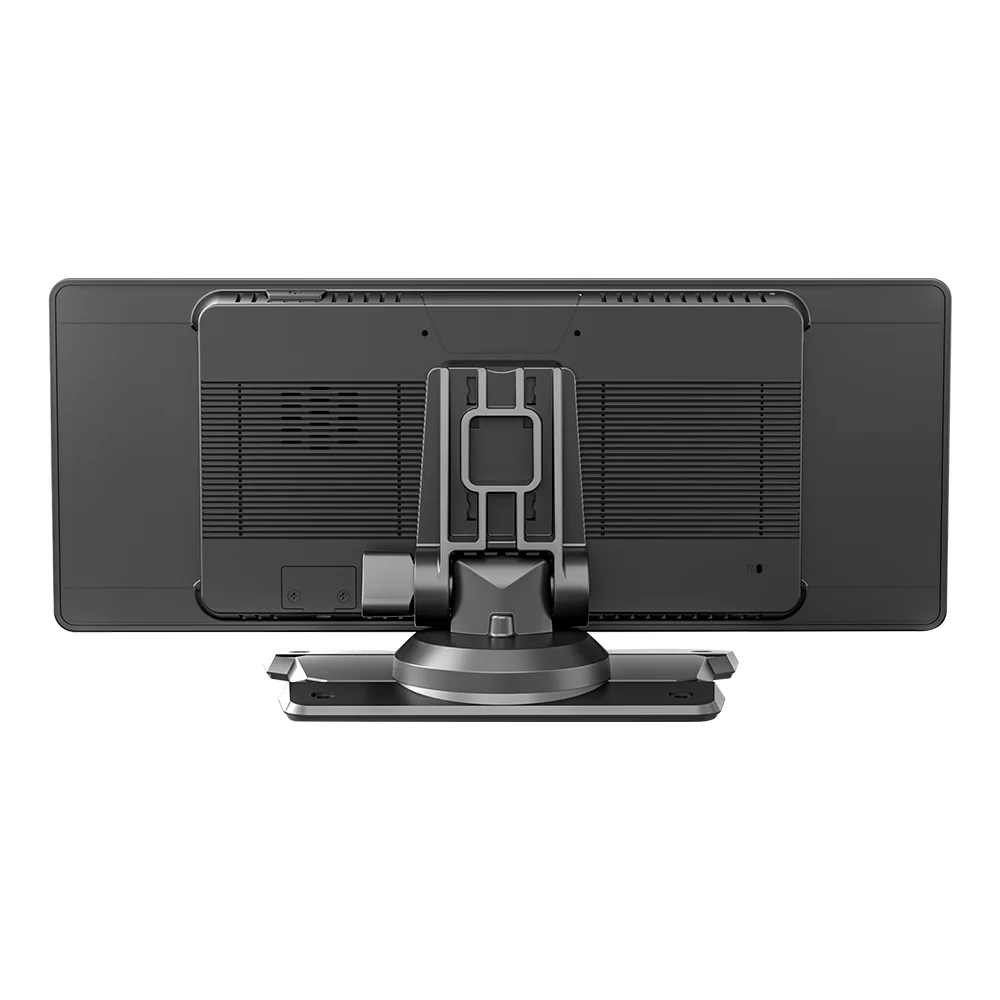
b. After confirming the power on, if the screen still does not light up, there is a reset button on the back of the device, press and hold for 3 seconds.
c. Software problems, you can upgrade the software, please contact customer service.
10. Can l get a rearview camera from the original car/other brand?
No, the camera of the original car/other brands is not suitable for this device.
11.How do I connect carplay and Android auto?
Search for the Bluetooth device "SWL-BT" on your mobile phone. When you connect it for the first time, the mobile phone will pop up a prompt, please click to use or trust the device.
12,How do I connect a mirror link?
Before connecting the phone, click the device's PhoneLink function, change the auto-connect option under the relevant phone type to "mirror", then connect the phone's data cable and authorize on the phone to link. Or click the "mirror" app icon on the screen and follow the guide. For iPhones, connect to the device's WiFi and use screen mirroring to select the device. For Android phones, set up a hotspot, and the device will auto-connect.
13.The screen mirroring can't be connected?
Before connecting the screen mirroring, you must exit CarPlay or Android Auto, otherwise the connection will not be possible.
The methods of exiting are as follows
For iPhones Click on the "i" behind the Bluetooth name, turn off the CarPlay button, and then ignore the device.
For Android phones Turn off the WiFi and hotspot of the phone, and then ignore the Bluetooth device.
14.How do you get the sound through the car horn?
There are three points regarding the sound problem
1. The device has a small speaker for sound, which can be turned off via settings.
2. Use the device's FM transmission function to send sound to the original car radio e.g., set 86.3MHZ on the device, play USB music, then search 86.3MHZ on the car radio.
3. Employ the 3.5mm AUX cable to transmit audio to the original carplayer through the machine's AUX OUT interface some models don't support this refer to the product interface description for details.
15,The Bluetooth connection fails, or some functions are abnormal after connection?
Please use your mobile phone to search for Bluetooth of the machine, and the name is "carplay" Delete the devices that have been paired with but are not connected to the phone. Some Bluetooth devices that have been paired with each other may cause the phone's Bluetooth cannot be paired with other devices or its function is abnormal.
16.Does Bluetooth connect to carpaly or Android auto automatically?
1. Some connected Bluetooth devices will cause our device to fail to jump automatically. Please clear all paired Bluetooth devices on the mobile phone, restart the mobile phone Bluetooth and the vehicle device, and re-establish the Bluetooth connection. 2. Click on the interface and make sure that the carplay switch is on the "carplay" option. 3, click Settings - Basic Settings - Restore factory Settings.
17. Playing music and talking on the phone too quietly?
Hold down the top of the screen with your finger and slide down. You can adjust the playing volume after pulling down the status bar When you return to the home screen during a call, you can adjust the call volume in the status bar.
18.Can't remember time and date?
Because of the high temperature in the car in summer, in order to ensure safety, the machine does not have a battery, so it cannot remember the time and date. After connecting the mobile phone, it will automatically update the time and date.
19.Can't read or play SD, USB music and videos?
Please use 8G or 16G storage card or USB flash drive. Some large-capacity storage devices may not support it. Format the storage device to ensure that the storage device's file system is the default value Partially encoded video or music may not be recognized by the machine, please use common format media files.
20.The touch screen does not work properly
Five fingers long press the touch screen, after a few seconds to enter the touch correction interface, click the crosshair on the screen to restore.